Docker docs:
Docker routes container traffic in the nat table, which means that packets are diverted before it reaches the INPUT and OUTPUT chains that ufw uses. Packets are routed before the firewall rules can be applied, effectively ignoring your firewall configuration.
This was a large part of the reason I switched to rootless podman for everything
Explicitly binding certain ports to the container has a similar effect, no?
I still need to allow the ports in my firewall when using podman, even when I bind to 0.0.0.0.
Also when using a rootfull Podman socket?
I haven’t tried rootful since I haven’t had issues with rootless. I’ll have to check on that and get back to you.
When running as root, I did not need to add the firewall rule.
My problem with podman is the incompatibility with portainer :(
Any recommendations?
CLI and Quadlet? /s but seriously, that’s what I use lol
Quadlets are so nice.
cockpit has a podman/container extension you might like.
It’s okay for simple things, but too simple for anything beyond that, IMO. One important issue is that unlike with Portainer you can’t edit the container in any way without deleting it and configuring it again, which is quite annoying if you just want to change 1 environment variable (GH Issue). Perhaps they will add a quadlet config tool to cockpit sometime in the future.
i mean, you can just redeploy the container with the updated variable. thats kinda how they work.
Nat is not security.
Keep that in mind.
It’s just a crutch ipv4 has to use because it’s not as powerful as the almighty ipv6
I DIDNT KNOW THAT! WOW, this puts “not to use network_mode: host” another level.
If I had a nickel for every database I’ve lost because I let docker broadcast its port on 0.0.0.0 I’d have about 35¢
How though? A database in Docker generally doesn’t need any exposed ports, which means no ports open in UFW either.
I exposed them because I used the container for local development too. I just kept reseeding every time it got hacked before I figured I should actually look into security.
Where are you working that your local machine is regularly exposed to malicious traffic?
My use case was run a mongodb container on my local, while I run my FE+BE with fast live-reloading outside of a container. Then package it all up in services for docker compose on the remote.
Ok… but that doesn’t answer my question. Where are you physically when you’re working on this that people are attacking exposed ports? I’m either at home or in the office, and in either case there’s an external firewall between me and any assholes who want to exploit exposed ports. Are your roommates or coworkers those kinds of assholes? Or are you sitting in a coffee shop or something?
This was on a VPS (remote) where I didn’t realise Docker was even capable of punching through UFW. I assumed (incorrectly) that if a port wasn’t reversed proxied in my nginx config, then it would remain on localhost only.
Just run
docker run -p 27017:27017 mongo:lateston a VPS and check the default collections after a few hours and you’ll likely find they’re replaced with a ransom message.Ah, when you said local I assumed you meant your physical device
For local access you can use
127.0.0.1:80:80and it won’t put a hole in your firewall.Or if your database is access by another docker container, just put them on the same docker network and access via container name, and you don’t need any port mapping at all.
Yeah, I know that now lol, but good idea to spell it out. So what Docker does, which is so confusing when you first discover the behaviour, is it will bind your ports automatically to
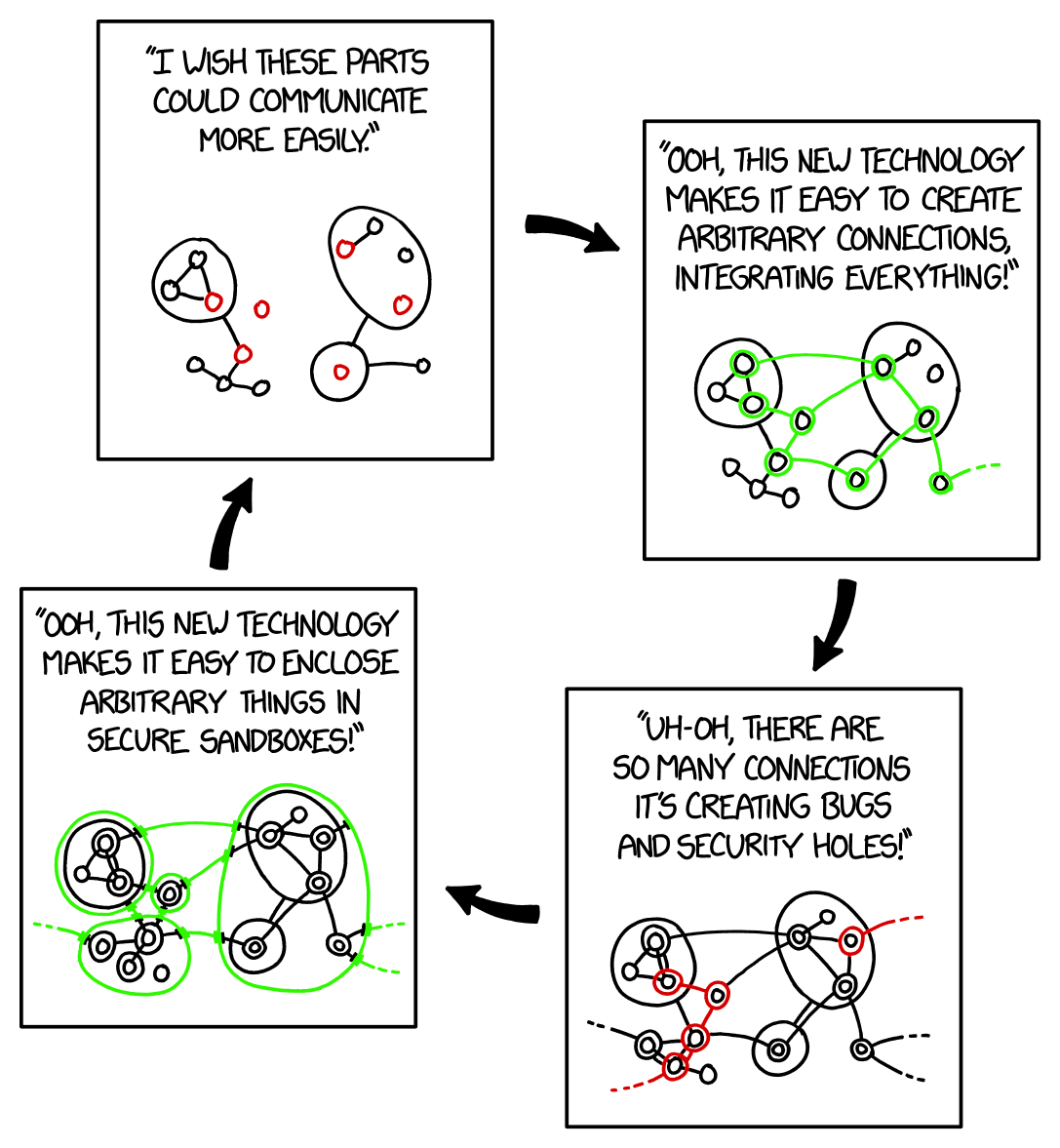
0.0.0.0if all you specify is27017:27017as you port (without an IP address prefixing). AKA what the meme is about.
It’s my understanding that docker uses a lot of fuckery and hackery to do what they do. And IME they don’t seem to care if it breaks things.
To be fair, the largest problem here is that it presents itself as the kind of isolation that would respect firewall rules, not that they don’t respect them.
People wouldn’t make the same mistake in NixOS, despite it doing exactly the same.
This is why I install on bare metal, baby!
I’ve been playing with systemd-nspawn for my containers recently, and I’ve been enjoying it!
My impression from a recent crash course on Docker is that it got popular because it allows script kiddies to spin up services very fast without knowing how they work.
OWASP was like “you can follow these thirty steps to make Docker secure, or just run Podman instead.” https://cheatsheetseries.owasp.org/cheatsheets/Docker_Security_Cheat_Sheet.html
Well yea ofc it works like that, the services are not on the same network, so the packets need to be sent onto another adapter. That means either nat or forwarding tables.
Now if that was a good design of docker is another question.
You’re forgetting the part where they had an option to disable this fuckery, and then proceeded to move it twice - exposing containers to everyone by default.
I had to clean up compromised services twice because of it.
Somehow I think that’s on ufw not docker. A firewall shouldn’t depend on applications playing by their rules.
ufw just manages iptables rules, if docker overrides those it’s on them IMO
Feels weird that an application is allowed to override iptables though. I get that when it’s installed with root everything’s off the table, but still…
It is decidedly weird, and it’s something docker handles very poorly.
Linux lets you do whatever you want and that’s a side effect of it, there’s nothing preventing an app from messing with things it shouldn’t.
For all the raving about podman, it’s dumb too. I’ve seen multiple container networks stupidly route traffic across each other when they shouldn’t. Yay services kept running, but it defeats the purpose. Networking should be so hard that it doesn’t work unless it is configured correctly.
Or maybe it should be easy to configure correctly?
That’s asking a lot, these days.
instructions unclear, now its hard to use and to configure
rootless podman and sockets ❤️